
No App, No Login: Live Sports Scores for ADHD Households

A Wi-Fi, screen-free sports scoreboard is the simplest way to follow live scores without using phones. The Original LiveWire Board does exactly that: it connects to your home Wi-Fi, displays updates for the teams you pick, and never asks anyone to open an app, scroll a feed, or unlock a screen to check the game.
TL;DR:
- A Wi-Fi connected ambient scoreboard refreshes scores automatically and passively, reducing attention demand compared to app-based or interactive screens.
- Using such devices can decrease phone interruptions during meals and bedtime, supporting healthier routines for children with ADHD.
- Placing the scoreboard in a central, shared space at adult eye level helps it fade into the background and minimizes distraction.
- The device is limited to scores and game status, with no video or live streams, and depends on a stable Wi-Fi connection for updates.
- Families typically experience less phone checking and more in-person watching after integrating the scoreboard into daily routines.
Table of Contents
- How Does a Screen-Free Sports Scoreboard Track Games?
- Can an Ambient Scoreboard Actually Help Kids With ADHD?
- Where Should You Put Your Scoreboard for Best Results?
- What Are the Limits of a Screen-Free Scoreboard?
- What Do Families Actually Do With It Day to Day?
- How Do You Get The Original LiveWire Board?
- Where the Research in This Article Comes From
- Sources
How Does a Screen-Free Sports Scoreboard Track Games?
The device connects to your home Wi-Fi and pulls live data for the teams you select during setup, then refreshes the display as scores change. There’s no app to open and no notification to swipe away. You glance at it the way you’d glance at a wall clock.
That distinction matters more than it sounds. A phone screen is an interactive surface built to pull your attention in and hold it there. A scoreboard is what design researchers call an ambient display: a device built for low notification levels and passive viewing, engineered specifically to reduce attentional demand compared with a typical screen, according to a taxonomy of ambient information systems built around exactly this kind of design work.
Here’s what that looks like in daily use:
- Score updates refresh automatically as the game progresses, no manual check required.
- Team selection happens once during setup, not every time you want an update.
- The display shows only the information you asked for: no ads, no push alerts, no unrelated headlines.
- There’s no login, no feed, and nothing to scroll.
Update cadence depends on the sport and how frequently the underlying data source refreshes, but the point isn’t speed. It’s that the board sits in your peripheral vision instead of competing for your full attention, the same way a kitchen clock tells you the time without turning that moment into a scrolling session.
Can an Ambient Scoreboard Actually Help Kids With ADHD?
Recreational screen time and attention problems in kids are linked closely enough that researchers keep finding the same pattern. A systematic review of longitudinal studies found that greater recreational screen time is associated with increases in ADHD symptoms and related behavioral outcomes in children and adolescents, even after accounting for baseline symptom levels. That’s not a one-off finding. A separate large-cohort analysis linked higher screen time to measurable differences in cortical volume tied to ADHD symptoms, suggesting the association runs deeper than behavior alone.
Here’s what stands out: a 2025 review doesn’t call for banning devices outright. It recommends managing usage patterns, and specifically notes that low-distraction devices delivering simple, static information can fit into healthier routines for children with ADHD. That’s an important nuance, because not all screens are equal. Clinical digital therapeutics like EndeavorRx are built to be highly interactive on purpose, because engagement drives their therapeutic effect on attention. A sports scoreboard does the opposite job. It’s designed to be glanced at and ignored, not engaged with.
Families using ambient, physical devices instead of phone apps report real practical upside:
- Fewer interruptions during meals, since nobody needs to grab a phone to check a score.
- Less friction around bedtime, since there’s no glowing screen inviting a “quick check” that turns into twenty minutes.
- A shared reference point everyone in the room can see at once, instead of one person hunched over a device.
Qualitative research on physical, limited-function family devices backs this up directly: families evaluating ambient displays for wellbeing preferred them over phone apps specifically because they reduced distraction and supported in-person interaction rather than replacing it.
Where Should You Put Your Scoreboard for Best Results?
Placement decides whether the device actually reduces phone use or just becomes one more thing to check. Get it right and it fades into the background. Get it wrong and it competes with everything else in the room.
- Pick a central, shared space. The living room or kitchen works best, somewhere at adult eye level where the board sits in your peripheral vision during normal family activity.
- Confirm your Wi-Fi reaches that spot. A quick signal check before mounting anything saves a frustrating reset later.
- Power it on and select your teams. Baseball, football, basketball, hockey. Pick your household’s favorites during initial setup.
- Wait for the first update. Most households see their first live score within minutes of finishing setup, not hours.
- Set one household rule to go with it. Something simple: no phone checks tied to a score update, glance at the board instead.
Skip bedrooms. Even a low-key, low-salience display can disrupt sleep routines for kids who are sensitive to any light or movement in the room, according to the same review that recommends pairing device placement with usage management. Dining areas are fine for the board itself, but consider whether you want any device present during meals, including one this passive.
Pro Tip: Treat the scoreboard like a wall clock, not a gadget. The households that get the most out of it never talk about “checking” the board. They just notice it’s there.
If you’re building out a broader no-phone routine at home, pairing the scoreboard with short, screen-free activities elsewhere in the day helps the habit stick. Mooshie Moments has practical ideas for filling those gaps with kids without reaching for a tablet.
What Are the Limits of a Screen-Free Scoreboard?
An ambient scoreboard isn’t the right tool for every sports-watching need, and it’s worth being honest about that upfront.
- No video. You get scores and game status, not highlights or live streams.
- Wi-Fi dependency means a router outage or dead zone stalls updates until connection restores.
- Update timing can lag slightly behind broadcast in rare cases, since data has to refresh through the network.
- Coverage focuses on baseball, football, basketball, and hockey, so niche or regional leagues may not be represented.
If what you actually want is play-by-play video, deep statistical breakdowns, or a live stream, you’re looking for a different tool entirely, and that’s fine. A smart TV set to an ambient scoreboard widget, a radio broadcast, or a smart speaker’s spoken score briefing all serve a similar screen-light goal without needing a phone in hand. The tradeoff is the same across all of them: less detail, less distraction. A dedicated scoreboard just does that trade more completely, since it removes the screen from the equation entirely rather than just minimizing it.
What Do Families Actually Do With It Day to Day?
Most households settle into the same pattern within a week or two. The board goes on a kitchen counter or living room shelf, someone sets the favorite teams once, and from then on nobody talks about “checking the score.” They just look up when they walk past.
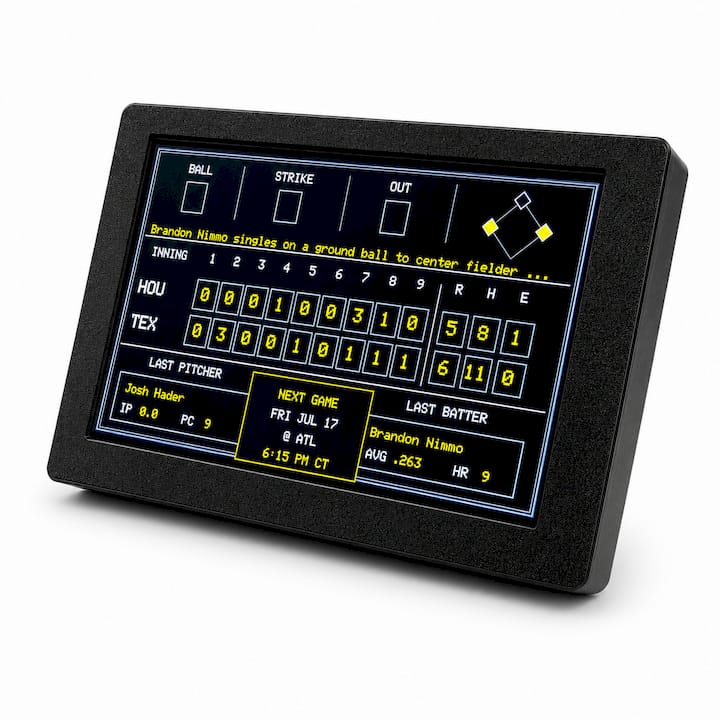
Parents managing screen time for a child with ADHD tend to notice the shift fastest, mostly because the alternative, a phone lighting up with a score alert, so often turns into ten unrelated minutes of scrolling. A board that only shows the number removes that detour completely.
We’d love to build out a fuller picture here with real usage data and family stories over time, and we’re actively collecting both. For now, the pattern we hear most is simple: less phone reaching, more actual watching.
— Cameron
How Do You Get The Original LiveWire Board?
The Original LiveWire Board is built to do one job well: display live scores for your chosen teams without a screen, an app, or a login standing between you and the game. Setup takes minutes, and once it’s connected to your Wi-Fi, it just runs in the background of your living room.
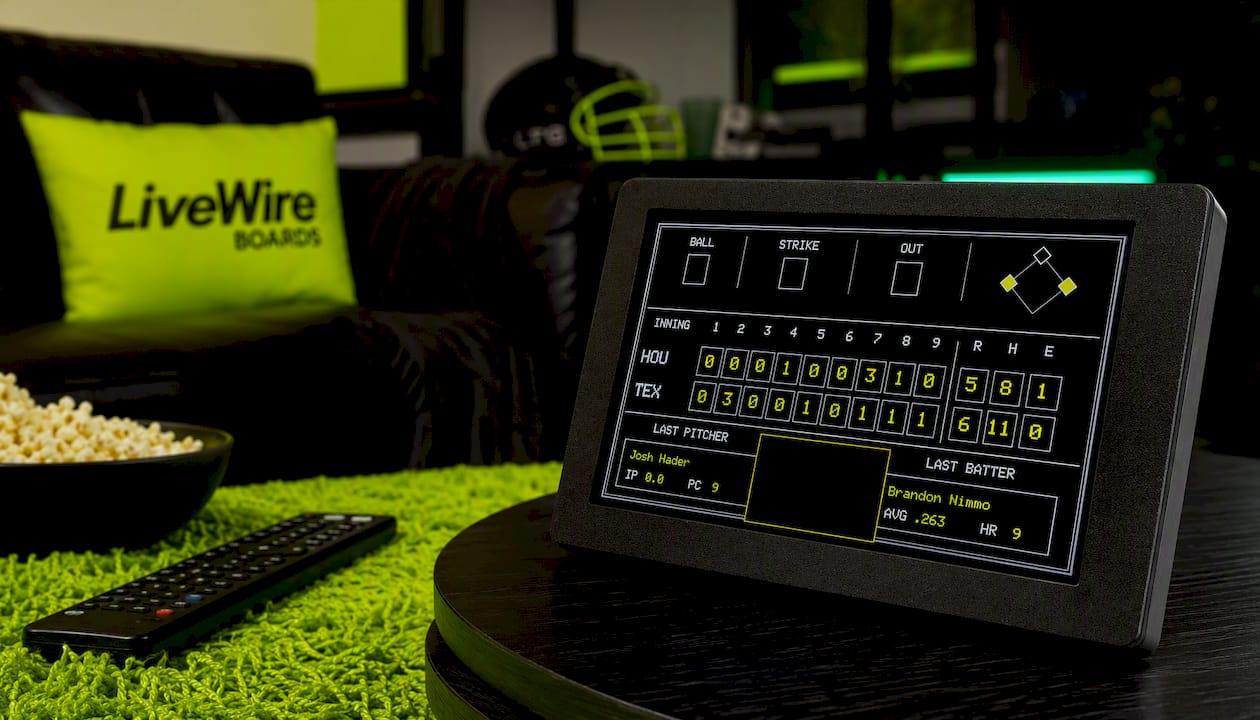
At checkout, you can choose from available color case options to customize the board’s appearance. There are no subscriptions and no additional apps required after setup. If you’re ready to stop passing the phone around every time someone asks “what’s the score,” visit the product page for The Original LiveWire Board to see specs, current availability, and place an order.
Where the Research in This Article Comes From
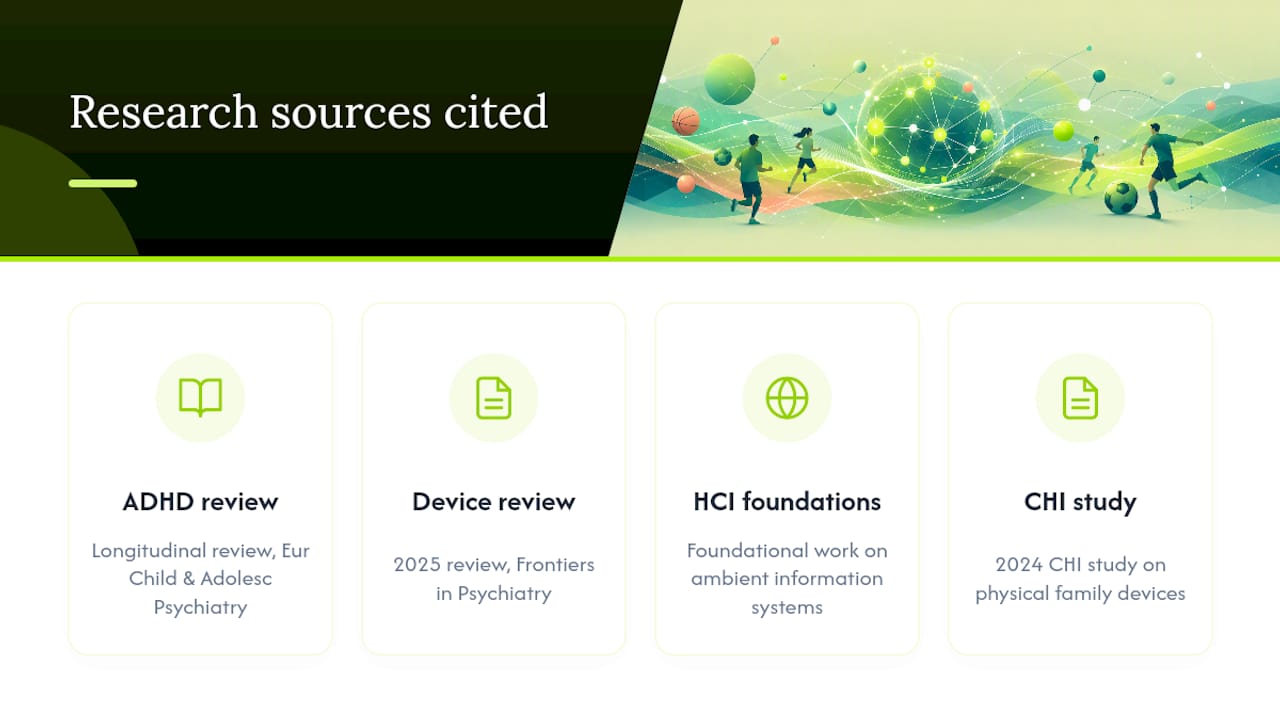
The screen-time and ADHD claims here draw on a longitudinal review in European Child & Adolescent Psychiatry and a 2025 Frontiers in Psychiatry review on device management strategies. The design reasoning behind ambient, low-distraction displays comes from foundational HCI work on ambient information systems and a 2024 CHI study on physical family devices. Reading the full studies gives a clearer picture than any summary can.
Sources
- Frontiers in Psychiatry (2025): review on ADHD management and digital device usage
- European Child & Adolescent Psychiatry (2022): longitudinal associations between digital media use and ADHD symptoms
- A taxonomy of ambient information systems
- MoodGems (CHI 2024): physical ambient displays for family wellbeing


